 DuoPrompter
Let’s keep
your story moving.
Questions about DuoPrompter? Contact [email protected]. Include your app version, iOS version and a description of what happened. Please avoid sending private scripts, recordings or purchase details unless they are needed to investigate your question.
DuoPrompter is in preparation for the App Store. This website’s interactive preview demonstrates reading behavior and does not record video.
How does it work on iPhone Duo?
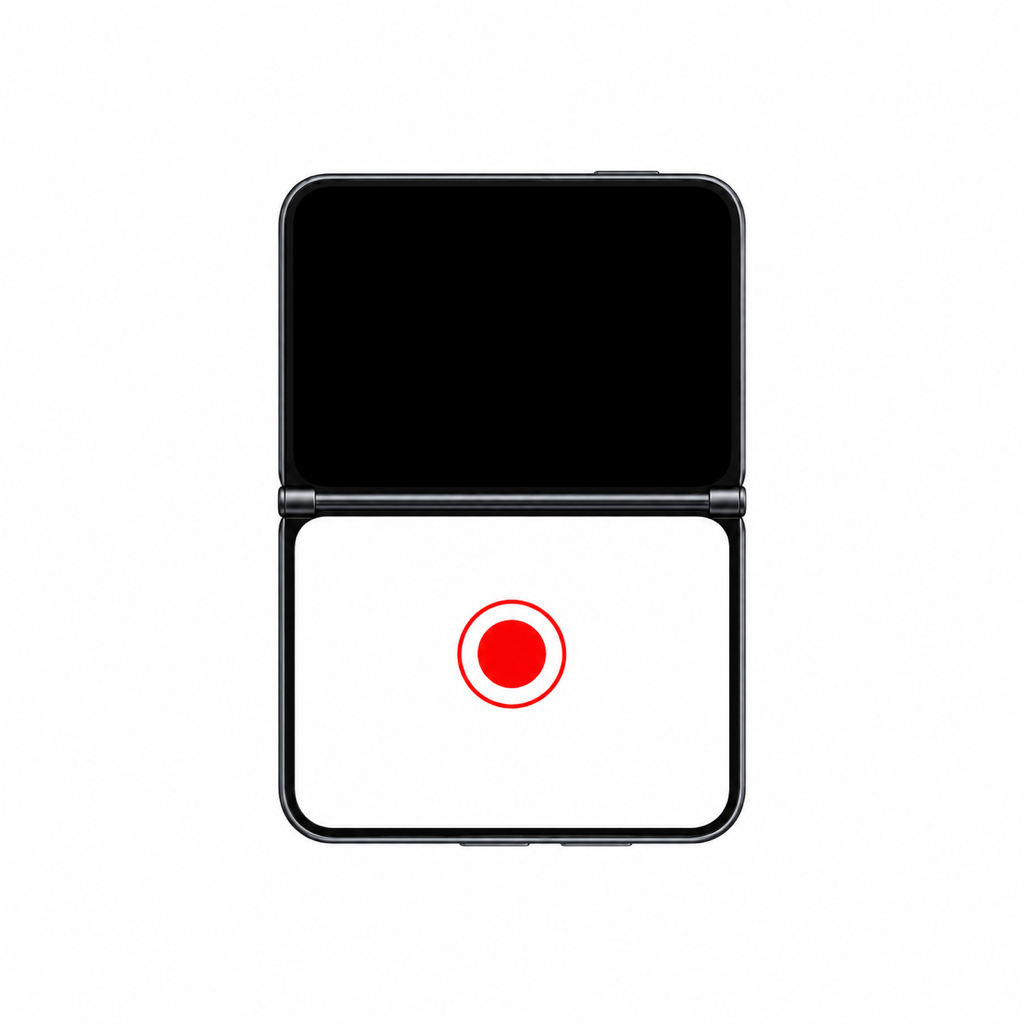
Open the app, allow camera and microphone access, and choose a script. The camera preview appears automatically on supported hardware. Closed Duo keeps the script above the preview. Open Duo gives the camera and script room side by side, or above and below as you rotate. The in-app “Using iPhone Duo” guide shows closed, open and tabletop positions.
Explore the three positions. The device images show our actual DuoPrompter simulator interface inside Apple’s Duo frame. The closed and open screens come from the simulator; the tabletop position illustrates the layout, and camera capture is unavailable in the simulator.
How do I start reading and recording?
Write or import a script and tap the red record button. A countdown runs from 5 to 0. After zero, recording and the script begin. Rehearsal starts the text without recording. Pausing the text keeps the video recording; stop with the red button.
Which documents can I import?
Selectable-text PDF, DOCX, RTF and TXT. Convert legacy DOC files to DOCX first. Scanned PDFs without selectable text need text recognition in another tool. Imports are limited to 20 MB. Some advanced Word formatting may not be preserved.
What is free, and what does Pro include?
Free includes five different scripts per calendar month. Repeated takes of the same script do not use another slot. Pro unlocks unlimited scripts, advanced editing, fonts and colors, PDF export, on-device voice following, filters, imported .cube LUTs and supported Center Stage features. Pro is a one-time non-consumable purchase, with a planned US price of $25.99. The App Store shows the final local price.
To restore Pro on an Apple account that already purchased it, open DuoPrompter Pro and choose “Restore purchase.” Apple manages purchase billing and refund requests.
What does Apple Intelligence do?
On a compatible device with Apple Intelligence enabled and a supported language, the writing assistant can improve, shorten, translate or suggest ideas and openings for a script. You review the output before applying it. It uses Apple’s on-device Foundation Models. It does not enhance recorded audio with generative AI; supported system microphone modes such as Voice Isolation can reduce background noise.
Where are my files saved?
Each recording is saved automatically to your iPhone’s Photos library after you grant add-only Photos permission. There is no extra compression when copying the finished video to Photos. “Recent takes” keeps recovery copies; if permission is denied or saving fails, enable Photos access in Settings and choose “Save to Photos” there. Repeating a save does not create another copy on the same installation. Sharing is also available. Scripts and take metadata are saved on your iPhone. With your iCloud account available, scripts sync through your private CloudKit database, and videos, LUTs and preferences use iCloud Drive. Storage counts toward your iCloud account. Local copies remain usable offline. The production iCloud schema is configured; synchronization between physical devices remains part of launch validation.
Why are some camera controls unavailable?
Camera formats, manual exposure, Center Stage, microphones and voice recognition depend on the lens, device, system language and audio route. The simulator does not provide a capture camera. LUT camera labels organize your looks; they do not enable Apple Log or convert capture to another camera’s Log format.